


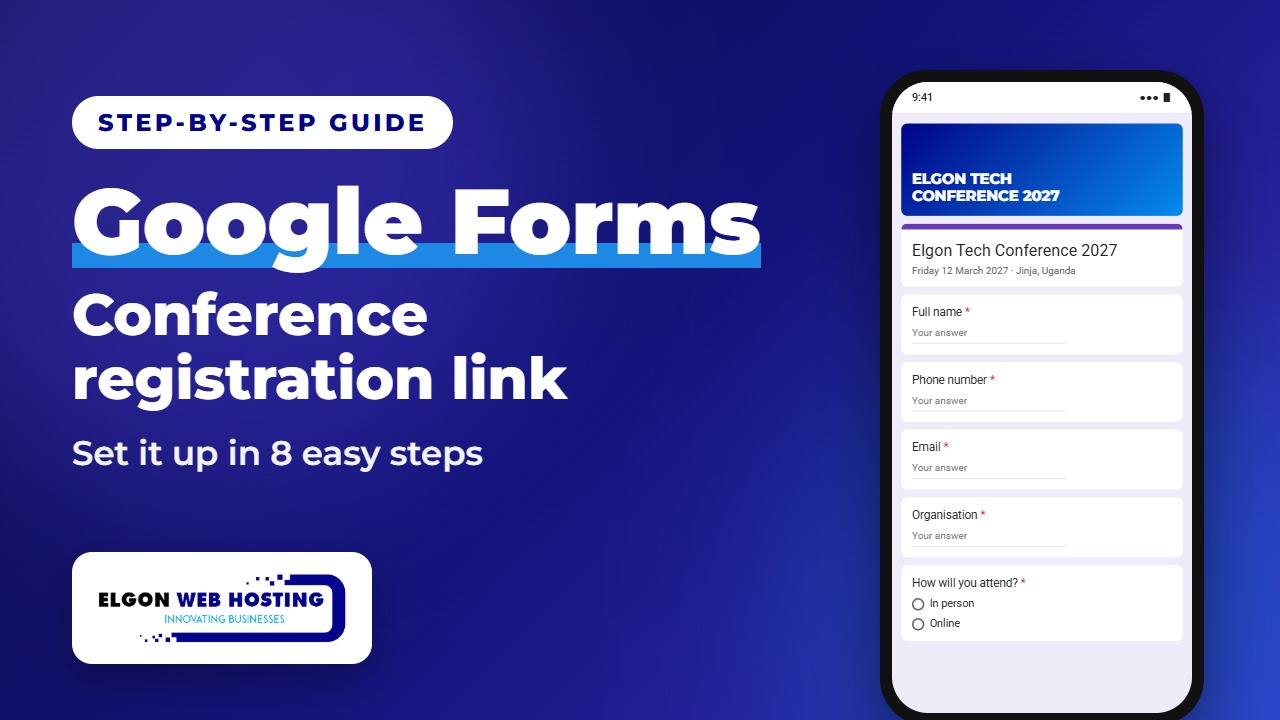
Planning a conference, workshop or church event? You don’t need paper lists or a long WhatsApp thread to track who’s coming. With Google Forms, you can collect every registration with one simple link, for free. People open the link, fill in their details, and every registration lands in one list.
▶️ Like this guide? Subscribe to Elgon Web Hosting on YouTube for more step-by-step tech tips.
What you need
A Google account (any Gmail address works) and the details of your event: the name, date and venue.
Step by step
- Create a blank form. Go to forms.google.com, sign in with your Google account, and click Blank form.
- Name your form. Click Untitled form and type your conference name. In the description, add the date and the venue.
- Add the questions. Add Full name, Phone number, Email and Organisation as Short answer questions, and switch on Required for each one.
- Ask how they will attend. Add a Multiple choice question, “How will you attend?”, with two options: In person and Online.
- Set the thank-you message. Open Settings, then Presentation, and edit the confirmation message. For example: “Thank you! Your seat is reserved.”
- Publish the form. Click Publish, choose Anyone with the link, and click Publish again. Don’t skip this step: until you publish, nobody can register.
- Copy and share the link. Click Published, then Copy responder link. Paste it into WhatsApp, an email, or your event poster.
- See who registered. Open the Responses tab to see every registration, and click Link to Sheets to get the full list in a spreadsheet.
When the seats are full
Click Published and turn off Accepting responses. Anyone who opens the link after that sees a message that registration is closed. You can also set a closing date or a maximum number of responses in advance, so the form closes by itself.
Quick tips
- Click Preview (the eye icon) and fill in the form yourself once before you share it.
- Only ask for what you need. Shorter forms get more registrations.
- Put the link on your poster as a QR code so people can register straight from their phones.
Want a registration page on your own website?
Google Forms is a great free start. If you want registration, payments and event details on your own branded website, talk to us at Elgon Web Hosting. We build websites and registration pages for events, churches and businesses.
Steps follow Google’s current help pages for publishing and sharing forms. Google sometimes changes button names, so the screens you see may differ slightly.