


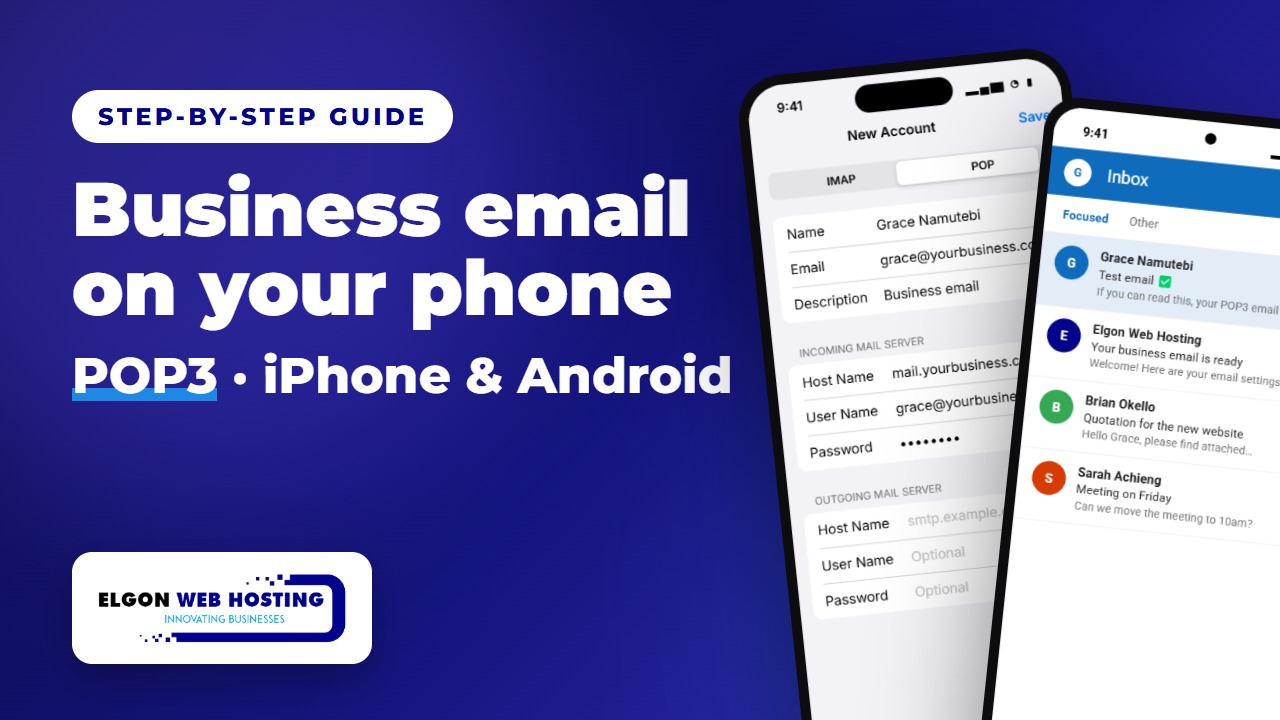
Want your business email on your phone? With POP3, your phone downloads your email so you can read and reply wherever you are. This guide shows you how to set it up on iPhone and on Android, step by step.
▶️ Like this guide? Subscribe to Elgon Web Hosting on YouTube for more step-by-step tech tips.
Before you start
Have these details ready. Your email provider gives you the mail server name; replace yourbusiness.com with your own domain.
| Email address and user name | Your full email address, for example [email protected] |
| Password | Your email password |
| Incoming server (POP3) | mail.yourbusiness.com, port 995, SSL |
| Outgoing server (SMTP) | mail.yourbusiness.com, port 465, SSL |
iPhone: use the Mail app
Outlook for iPhone can’t add POP accounts, so on iPhone we use the built-in Mail app.
- Open Mail Accounts. Open Settings, tap Apps, then Mail, then Mail Accounts, and tap Add Account.
- Add a mail account. Tap Other, then Add Mail Account. Enter your name, your full email address, your password and a short description, then tap Next.
- Choose POP. At the top, tap POP. Under Incoming Mail Server, enter your mail server as the host name, your full email address as the user name, and your password.
- Outgoing server and Save. Fill in the Outgoing Mail Server the same way, then tap Save. Your iPhone checks the settings, and your account is ready.
Android: use the Outlook app
- Install Outlook. Install Microsoft Outlook from the Play Store and open it. Tap Add account, type your email address, and tap Continue.
- Choose POP3. Choose POP3 and switch on Advanced settings. Enter your password and the incoming server: your mail server, port 995, security SSL/TLS.
- Outgoing server. Enter the same mail server, port 465, security SSL/TLS, then tap the tick to finish.
- Send a test email. Send yourself a test email and check that it arrives.
POP or IMAP?
POP keeps your email on one device. If you also read email on a computer or a second phone, IMAP is usually the better choice, because it keeps everything in sync. Not sure which one you need? Ask us.
Need business email for your company?
Elgon Web Hosting provides professional business email on your own domain, set up and supported by our team. Talk to us and we’ll get your team connected.
Steps follow Apple’s and Microsoft’s current setup screens. Menu names can change with phone updates, so your screens may look slightly different.